
Whisper Keyboard for Android: VoiceBoard Types Into Any App With Your Own Key
VoiceBoard is a system keyboard for Android with a microphone key: you talk, and the text arrives in whatever field you were about to type in. This page is about the open build, which has no server of ours behind it. The recording goes to the recognition service you name yourself, and at Groq's turbo rate an hour of speech costs 4 cents (console.groq.com, read 10 September 2026). The code is public under the Apache License 2.0.
- you dictate in many apps and want one keyboard that works in all of them;
- you would rather pay a recognition service by the minute than a keyboard by the month;
- you want to read the code that handles your microphone, or to point the keyboard at a computer in your own flat;
- an account and a subscription are exactly what you are trying to avoid.
- you rely on word suggestions or spell check: this build has neither, in any language;
- getting an API key sounds like a chore you will not finish;
- you need dictation with no network at all: recognition happens on a server, either a company's or your own;
- you want a support desk. Questions go to the issue tracker of the repository.
Download the APK
There is no store listing for this build. The APK is published on the releases page of the repository, and the latest release is the one to take: the file name ends with -open. Two things you will want from that same page before you install: the download size, which is printed next to the file, and the checksum, which is published as a .sha256 file beside the APK. Compare the sum with the file you downloaded, then allow your browser or file manager to install from an unknown source.
If you would rather not check the releases page by hand, Obtainium keeps APKs from GitHub up to date for you: choose Add App and paste the repository URL. That is the whole setup, and updates then arrive the way store updates do.
| What it is | A system keyboard for Android: layouts, themes and emoji from FlorisBoard, plus a microphone key that sends speech to a recognition service of your choice |
|---|---|
| Licence | Apache License 2.0, a fork of FlorisBoard |
| Minimum Android | 8.0, API 26 |
| Layouts | 68 languages; swipe typing is there, though its dictionary is English only |
| Version, size, checksum | On the releases page, next to each build. We do not repeat them here, because they change with every release |
| Code and issues | github.com/Yurakonoplya/VoiceBoard, public since 8 September 2026; support lives in Issues |
Turn the keyboard on
Android does not enable a new keyboard by itself, and the path is the same one Gboard took when your phone was new.
- Open Settings, System, Languages & input, On-screen keyboard and enable VoiceBoard in the list.
- Go back to any app with a text field and open the keyboard switcher, then pick VoiceBoard.
- Tap the microphone key once and grant the microphone permission when Android asks.
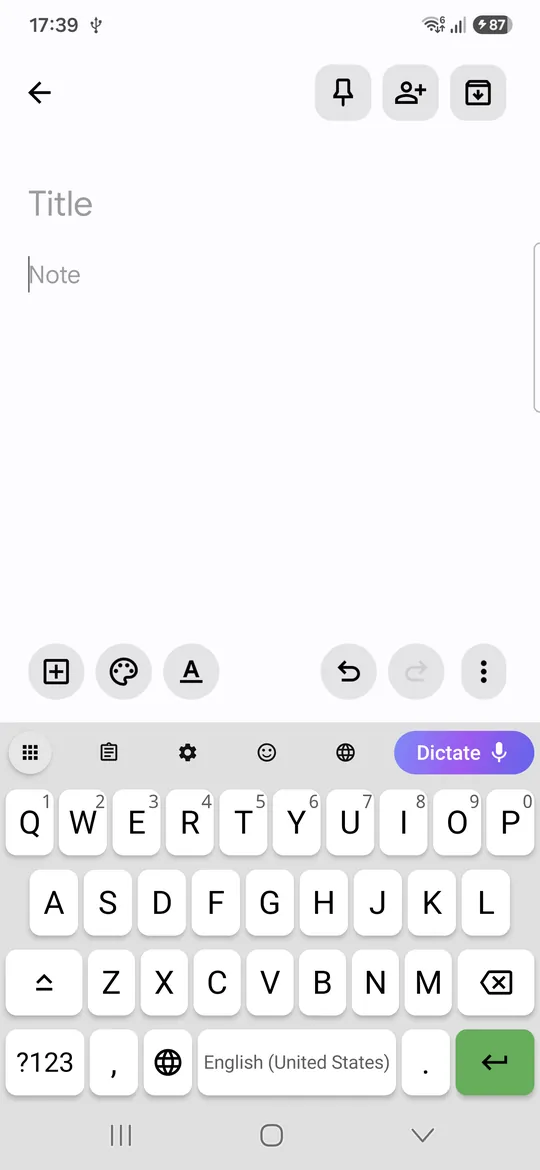
Nothing is recognised yet: the keyboard types, but the microphone key has nowhere to send audio until you give it an address.
Point it at a recognition service
Open the VoiceBoard settings and find the section Recognition service, described in the app as "The address, key and model of the service that turns your speech into text". It has four fields and two buttons, and this is the whole of the setup.
- Choose a preset: OpenAI, Groq or My own server. A preset fills in Service address and Model for you.
- Paste your key into Key. The hint under the field says it plainly: "A server on your own network (localhost, 192.168…) can be left without a key; anywhere else the key is required."
- Leave Language empty unless you dictate in a language the service tends to mishear. The hint: "A two-letter language code: en, ru, de, pt-BR. Leave it empty and the service works the language out from the audio itself."
- Press Save, then Test connection. The app answers with "The connection works", "The key was not accepted" or "Fill in the address and the key first", so you know which of the three you are dealing with.
One detail decides whether the address works at all. The keyboard posts the recording to <address>/audio/transcriptions, which is the OpenAI-style path, so the address you type has to end with /v1 and nothing after it. That is why the presets look the way they do.
| Route | Service address | Model | An hour of speech costs |
|---|---|---|---|
| Groq, the one to start with | https://api.groq.com/openai/v1 | whisper-large-v3-turbo | $0.04, and there is a free tier that covers ordinary dictation |
| OpenAI | https://api.openai.com/v1 | gpt-4o-mini-transcribe | About $0.18, billed as $0.003 a minute |
| A server in your own flat | http://192.168.x.x:8000/v1 | whisper-1 | Your electricity, and no key at all |
Prices read on 10 September 2026 from console.groq.com and developers.openai.com. Where the keys come from, what the Groq free tier allows in hours of speech, and what each model costs is laid out on our Whisper API pricing page. The home server route has a page of its own: local Whisper server in three ways.
What we have checked ourselves, since the question comes up. The build has been run on a phone with a real Groq key on 9 September 2026 and with a real OpenAI key on 12 September 2026, and text came back both times. The reason it was worth checking: the keyboard sends OGG Opus audio, and ogg is in Groq's format list but not in OpenAI's speech-to-text guide. A live request settled it. Both services accept what the app sends, so the choice between them is about price and the free tier, and that is why the table starts with Groq.
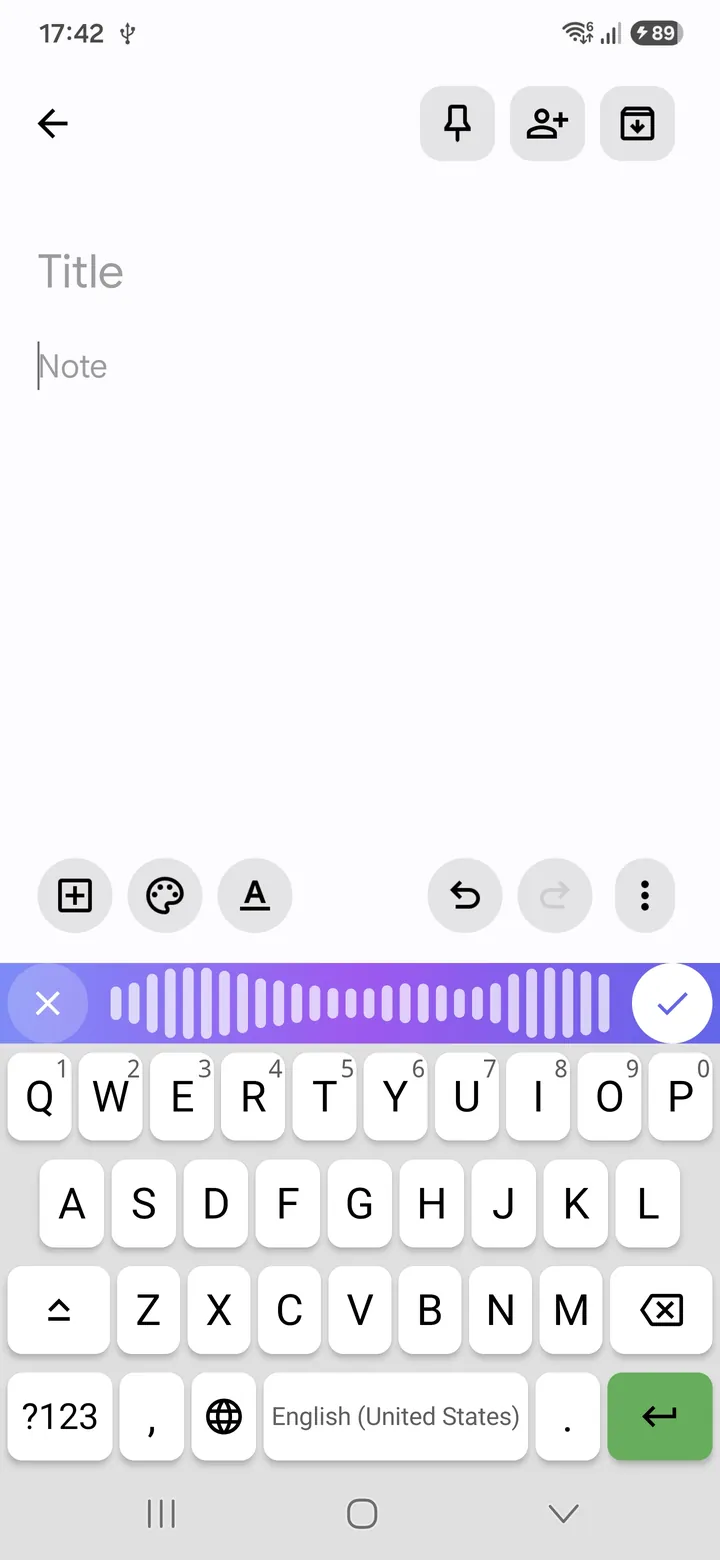
What leaves your phone
The open build has no privacy policy of its own, and this section is it. Everything below is visible in the code, which is the point of publishing it.
- The recording goes to the address you typed in, in a single request, and to no other address. There is no VoiceBoard server in this build.
- There is no account and no sign-in, and no analytics or telemetry of any kind.
- What stays on the phone is your dictation history, and you can clear it.
- The key is held in encrypted storage and is not written to the logs.
- Plain
httpis accepted only for addresses on your own network:localhost,::1, names ending in.local,127.*,10.*,172.16-31.*and192.168.*. Those are also the only addresses where the key may be left empty. Anything else has to behttps. - What the service you chose does with the recording is governed by that service's own policy, not by ours. If that matters to you, read the policy of OpenAI or Groq before you paste the key, or keep the audio at home with a server of your own.
What it does not do
The list is short but it is the part people find out about on day two, so here it is on day one.
- No word suggestions and no spell check, in any language. The candidate row above the keys stays empty and typos are not underlined. If that is how you type, this build will annoy you.
- Recognition needs a network. The audio has to reach a server, whether that server is Groq's or the computer in your kitchen.
- One recording is capped at five minutes, 300 seconds. Longer dictation is several takes.
- Some countries get no answer at all from OpenAI and Groq, whole regions rather than individual accounts. The app has a Proxy section for that (Off, HTTP or SOCKS5, with Proxy address, Port, Proxy login (if required) and Proxy password (if required)). Which proxy to use is your decision and we do not recommend one; we should also say that we have exercised the proxy settings on a desktop, not on a phone.
- Swipe typing has an English dictionary only, inherited from FlorisBoard along with the layouts.
How it differs from Gboard and the paid keyboards
Gboard dictates for free, and for a two-line reply that is the right tool. Its text arrives without punctuation unless you own a Pixel that adds it, and the audio goes to Google. The paid voice keyboards fix the punctuation and add an account, a subscription and their own servers in the middle. VoiceBoard's open build sits in the third place: the punctuation comes from the recognition model you picked, there is no account, and you pay that service by the second instead of paying anyone by the month. What it gives up in exchange is the suggestion strip and the offline mode, and those are real losses, not marketing ones. If you are weighing the class as a whole rather than this one app, our catalogue compares the speech to text keyboards for Android and iPhone.
Where the code is, and who pays for it
The repository is github.com/Yurakonoplya/VoiceBoard: source, releases and the issue tracker, which is also where support requests belong. The licence is Apache 2.0, and the keyboard half of the app is a fork of FlorisBoard, whose layouts, themes and emoji it carries. Patches and bug reports are welcome through the tracker. For the wider field of projects with a licence file, our review of open source dictation goes through twelve of them.
One honest line about the money: the same code has a second build in the Russian app store, that one sends audio to our own server and is paid for there, and it is what funds the work on both. Nothing on this page is for sale.
Frequently asked questions
Is the open build free?
The app is free and its code is public under Apache 2.0. What you pay for is recognition, and you pay the service you chose, not us. Groq's free tier covers ordinary dictation; beyond it, an hour of speech costs 4 cents at Groq's turbo rate or about 18 cents at OpenAI's cheaper transcription model, both read on 10 September 2026.
Do I need an account to use it?
Not with us: this build has no sign-in, no profile and no server of ours. You do need an account at whichever recognition service you point it at, because that is where the key comes from. If even that is too much, the third route is a Whisper server on your own computer, which takes no key at all.
Does my speech go to VoiceBoard's servers?
No. In this build the audio is sent to the one address you typed into Service address, in a single request, and there is no other network destination in the app. What the receiving service does with the recording is covered by its own privacy policy, and that part is outside our control by design.
Does it work with an OpenAI key?
Yes. The keyboard speaks the OpenAI protocol, the OpenAI preset in the app fills in https://api.openai.com/v1, and the build has been run on a phone with a real OpenAI key on 12 September 2026. The question that used to hang over this was the audio format: VoiceBoard sends OGG Opus, and ogg is listed among Groq's accepted formats but not in OpenAI's speech-to-text guide. The live request answered it, and both services take what the app sends.
Is it on Google Play, F-Droid or IzzyOnDroid?
No, and we are not going to promise a date. Today there are two ways to install it: the APK from the releases page, or Obtainium pointed at the repository, which then updates the app for you.
Dictate with your own key
The APK, the checksum and the release notes are all on one page. Setup takes about five minutes, and the first hour of speech costs cents.
Get the latest release